


July 20, 2026
Secure your Angry Birds Friends Facebook Game progress!
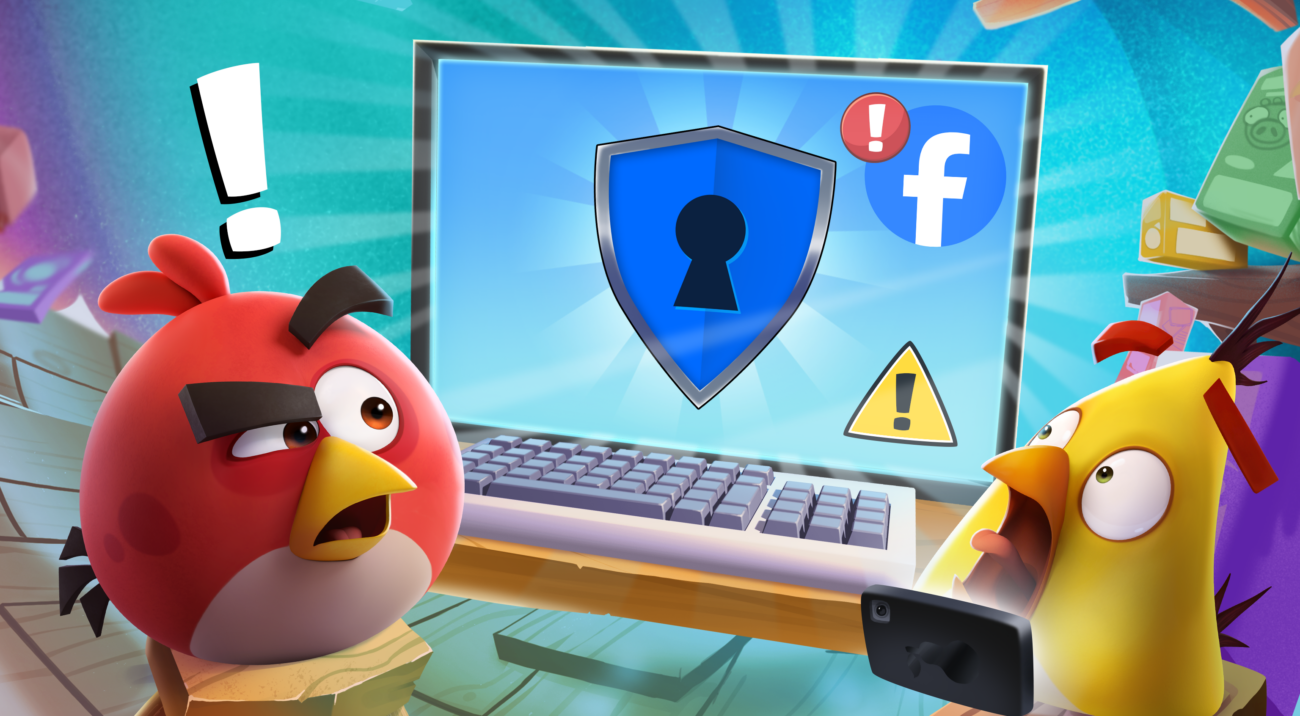
Facebook is changing how its web games work, and we will begin transitioning to a new system starting September 30th, 2026.
Because of these updates, your hard-earned progress and items could be at risk during the transition. But don’t worry, securing them is easy—and Angry Birds Friends isn’t going anywhere!
We’ve been working hard behind the scenes to keep the game running smoothly. To completely secure your account, just follow the simple steps below to connect your game to a free Red’s Club account. 👇
🛡️ How to Protect Your Progress (Takes 2 Minutes)
Step 1: Open the game
- Playing on your computer? Go to our official web page on your browser: https://rov.io/AngryBirdsFriends
- Playing on your phone or tablet? Open the Angry Birds Friends game and go to Settings > Account.
Step 2: Click the blue FACEBOOK button.
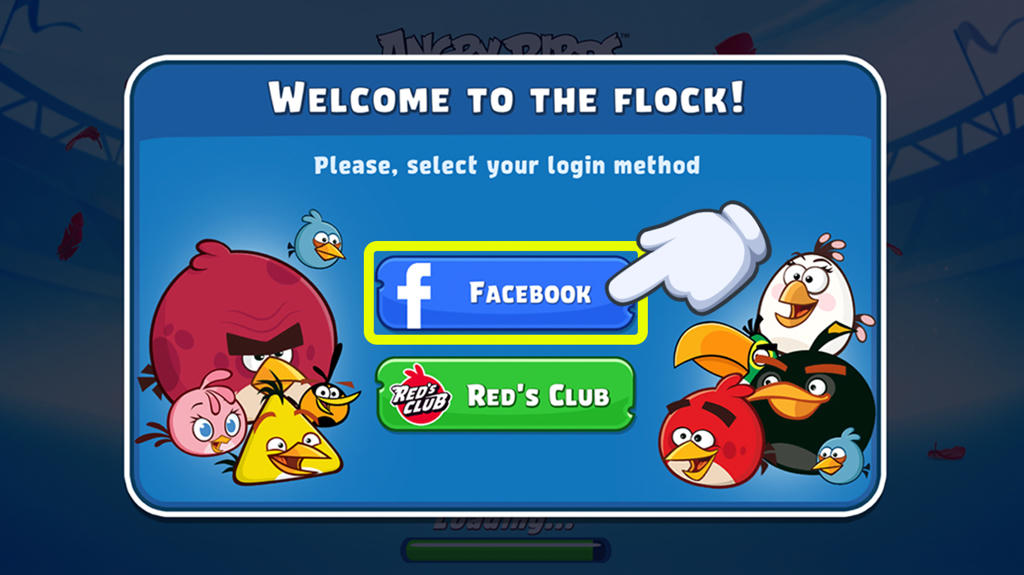
Step 3: Click “Connect Now” and enter your Facebook login information if the screen asks for it.

Step 4: Open your in-game Settings once the game loads.
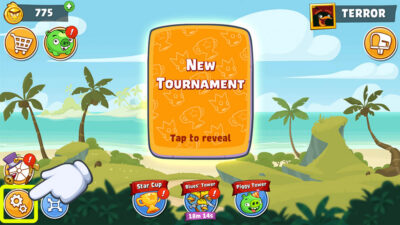
Step 5: Click on “JOIN” next to Red’s Club and follow the quick instructions on the screen to create your free account.
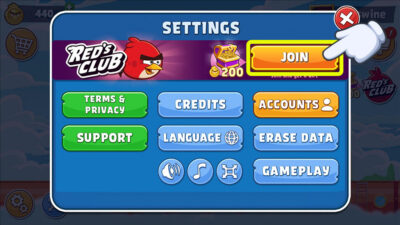
Step 6: Once you see the word “LINKED” next to the Red’s Club icon, you have successfully protected your game! Your hard work is 100% safe. 🎉
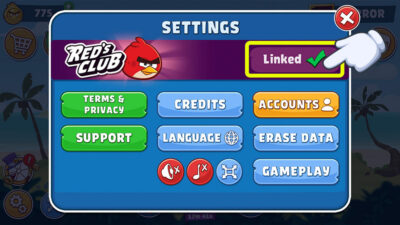
It only takes a moment, and it completely guarantees your progress is protected.
Need a little extra help?
Our support team is here to help you every step of the way! Click here to [Contact Support] or by opening the settings cogwheel in-game and tapping the “Support” button.